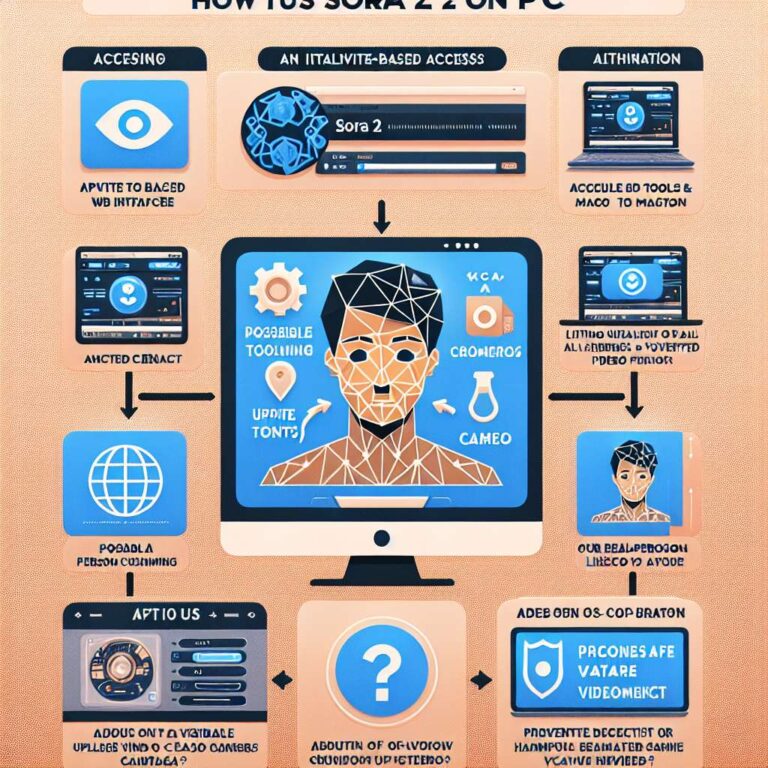
The article explains how OpenAI’s Sora 2, a next generation Artificial Intelligence video generation model, has moved beyond its initial iOS launch and is now available on PC via the sora.com web interface. Sora 2 is described as an advanced tool that can turn simple text prompts into realistic short clips with sound, motion, and physics, enabling users to create cinematic scenes such as city skylines or animated portraits directly in the browser. Although the experience on the web is said to closely match the mobile version, access to Sora 2 is currently invite based, with a wider rollout in progress, and the article notes that a separate service called Global GPT offers a free alternative with earlier Sora capabilities for practicing prompt techniques.
The guide then walks through the step by step process of using Sora 2 on PC, starting with visiting sora.com, clicking “Join New Sora,” signing in with an OpenAI or ChatGPT account, and completing onboarding, which may include birthday verification. Depending on the user’s region, they will either join a waitlist or enter an invite code before reaching the Sora dashboard, which serves as the main workspace for creating, previewing, and managing clips. To create a first Artificial Intelligence video, users click “+ Create,” enter a detailed but concise prompt, and can follow the example of describing scene, lighting, camera motion, and music; the article emphasizes that specific, short prompts tend to work best, and that users with compatible plans can upload still images while being advised to avoid using real people without consent.
Once a prompt is submitted, Sora 2 renders the clip in seconds and automatically adds a visible watermark and C2PA provenance metadata, and the article recommends making small iterative prompt tweaks to lighting, camera movement, or mood, noting that two or three iterations are usually enough to achieve a cinematic result. An optional Cameo feature is outlined for verified users who want to safely include their own likeness in videos, involving submission of a short verification video, approval, control over where their likeness appears, and the ability to revoke access or delete content at any time. For export, users can download the finished clip as MP4 with watermark and metadata intact and then further edit in tools such as DaVinci Resolve, CapCut, or Adobe Premiere Pro, while following responsible use guidelines that include visible watermarking on all videos, limiting real person likeness to verified Cameos, and blocking harmful or deceptive content. The article closes by urging users to monitor official OpenAI Sora updates, consult the Sora help center and trusted tech news sites, and notes that Global GPT also offers Sora 2 Pro features, including 25-second videos, free for testing, so that creators can practice prompt writing ahead of broader Sora 2 web access.