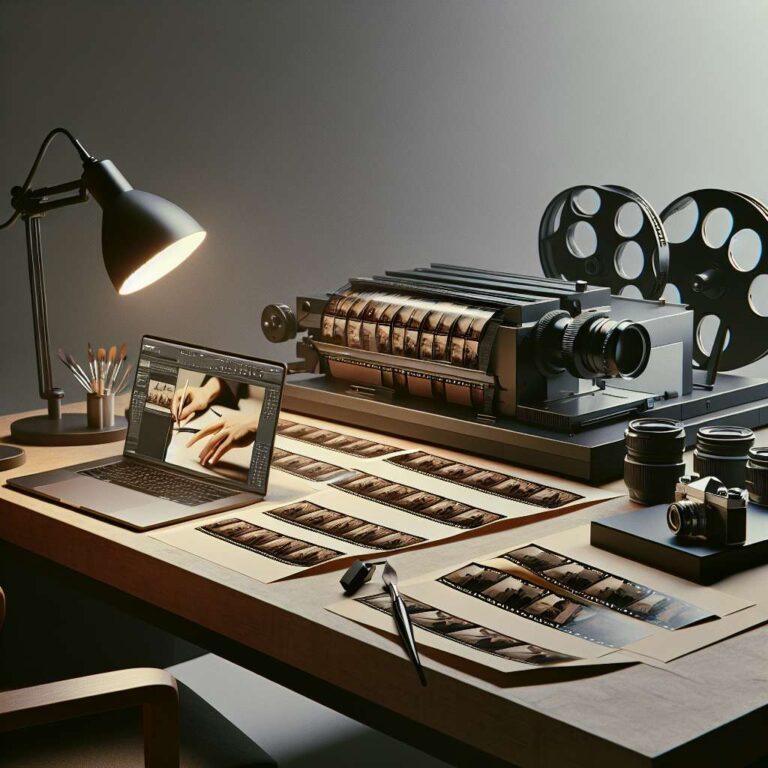
Adobe’s Generative Fill tool in Photoshop marked a major milestone in creative technology, showcasing the transformative power of Artificial Intelligence for content creators. While initially revolutionizing static image editing by letting users dramatically alter image regions with just a few clicks and short prompts, the film and video community has been eagerly awaiting similar integration within video-editing environments such as Premiere Pro and After Effects. To date, a full-featured Generative Fill for video has yet to make its debut in these platforms, despite rapid developments in generative Artificial Intelligence tools elsewhere in the industry.
For video editors and creators who want to leverage this technology now, there is a practical workaround specifically tailored for stationary or locked-off shots. A recent demonstration by Howard Pinsky outlines how content creators can take a short clip recorded on a tripod, import it into Photoshop, and apply the Generative Fill on a frame-by-frame basis. This approach delivers compelling results for quick edits, particularly for projects destined for social media or other short-form platforms where camera or object movement is minimal. While not yet optimal for dynamic, multi-camera, or heavily motion-based projects, it’s a significant first step to employing generative Artificial Intelligence in video editing before broader software rollout.
This technique effectively bridges the gap between current technology and forthcoming features within Adobe video products. As generative Artificial Intelligence tools continue to advance, native video support is widely expected to emerge in future releases of both Premiere Pro and After Effects. Until then, creators seeking to stay on the cutting edge can experiment with Photoshop’s Generative Fill for simple video needs, gaining firsthand experience with Artificial Intelligence-driven workflows and preparing for a new era in content production.